

Common APK Sharing Mistakes Developers Make
In Android development, distributing APK builds to testers, clients, and stakeholders is an essential part of the feedback cycle. Yet many teams inadvertently fall into habits that compromise security, waste engineering hours, and cause confusion during testing.
In this guide, we break down the 10 most common APK sharing mistakes developers make and outline actionable best practices to make your app delivery fast, secure, and professional.
Avoid Costly APK Sharing Pitfalls
Switch to Flybuilds to automate build versioning, secure access, and QR installs effortlessly.
1. Using Public File-Sharing Platforms
Uploading test builds to Google Drive, Dropbox, or WeTransfer is tempting due to convenience, but these platforms are not designed for software binaries. They lack versioning, download auditing, and mobile-friendly installation flows.

2. Neglecting Version Management
Distributing files named identically (such as app-release.apk) creates chaos. Testers cannot verify whether they are testing a new build or an older cached file, leading to invalid bug reports.

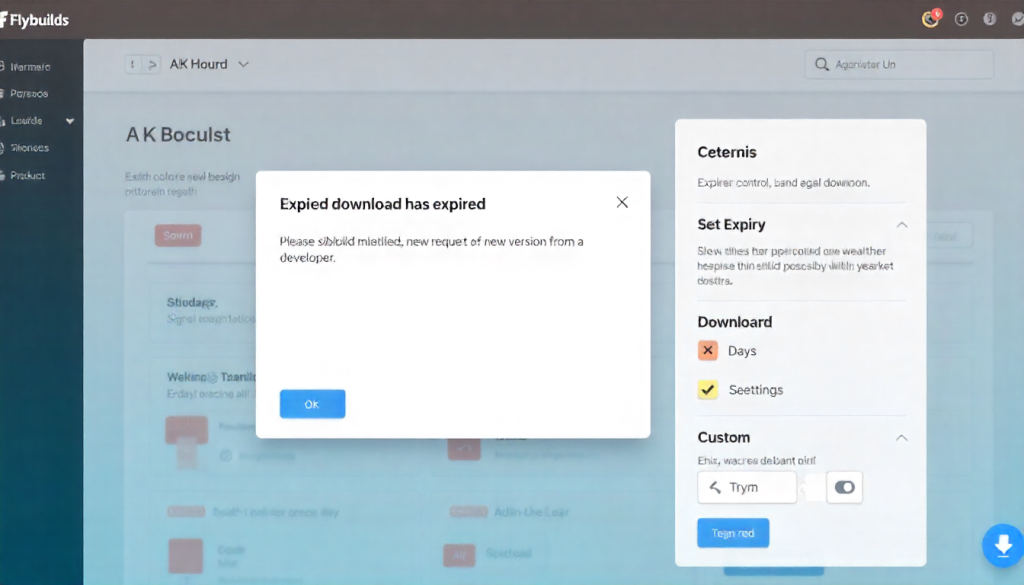
3. Sharing APKs Without Expiration Controls
Leaving test links active indefinitely exposes sensitive pre-release features and unpatched vulnerabilities. Always enforce time-based or download-count link expiration on staging builds.
4. Omitting Release Notes and Context
Dropping an APK into a chat without changelog context forces testers to guess what changed. Always attach clear release notes outlining new features, resolved issues, and specific areas requiring testing.
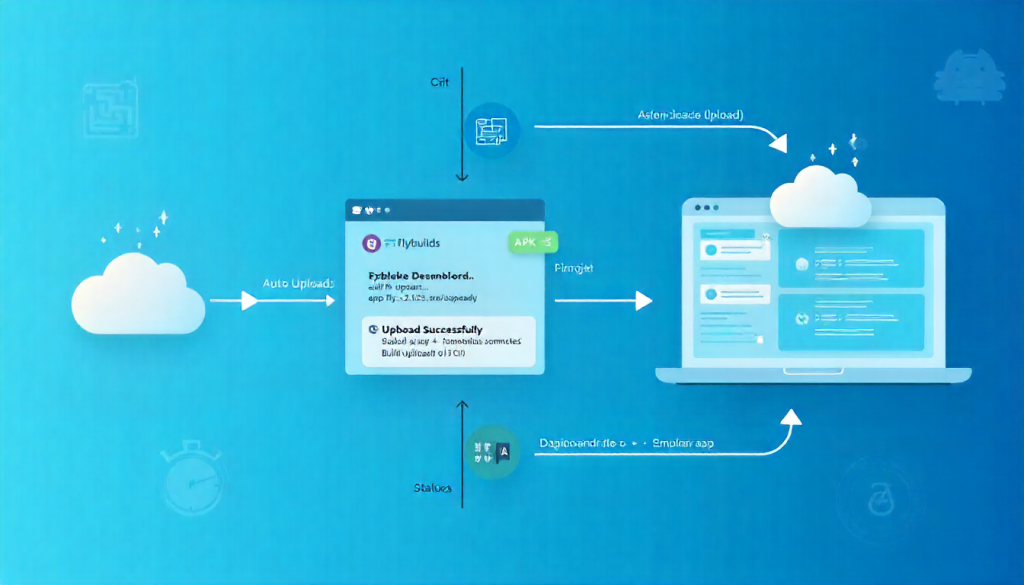
5. Relying on Manual Uploads
Manually generating and uploading binaries after every sprint review is prone to human error. Automate build uploads directly from your CI/CD pipeline to eliminate delays and ensure consistency.
6. Distributing Builds via Chat or Email
Sending APKs over Slack, Telegram, WhatsApp, or email attachments risks file corruption, security leaks, and zero accountability regarding who downloaded the binary.
7. Overlooking Device & OS Compatibility Notes
The Android ecosystem spans thousands of device configurations. Failing to specify target SDKs and tested Android versions creates friction when bugs occur on untested hardware.
8. Failing to Monitor Downloads & Analytics
Did your QA engineer or client actually install the build you sent? Tracking download events and access timestamps prevents redundant follow-ups and keeps projects moving forward.

9. Giving Blanket Access to All Stakeholders
Not every team member requires access to all builds. Apply role-based access control so external clients see only approved milestone releases, while internal QA tests daily builds.
10. Providing a Frustrating User Experience
Forcing clients or non-technical testers to unpack ZIP files or navigate complex cloud folders discourages prompt testing. Deliver a clean, mobile-optimized install page with instant QR code scanning.

Share APKs Like a Pro with Flybuilds
Deliver a polished testing experience with automated versioning, tokenized security, and one-click installs.
Conclusion
Avoiding these common APK sharing mistakes protects your team from security leaks, testing delays, and miscommunication. With dedicated mobile distribution platforms like Flybuilds, you can automate versioning, enforce strict security, and deliver an exceptional experience to every stakeholder.